
Artwork guidelines
Good artwork makes a great print. Here’s what works best — and if you don’t have artwork, we can make it for you.
File type: transparent PNG
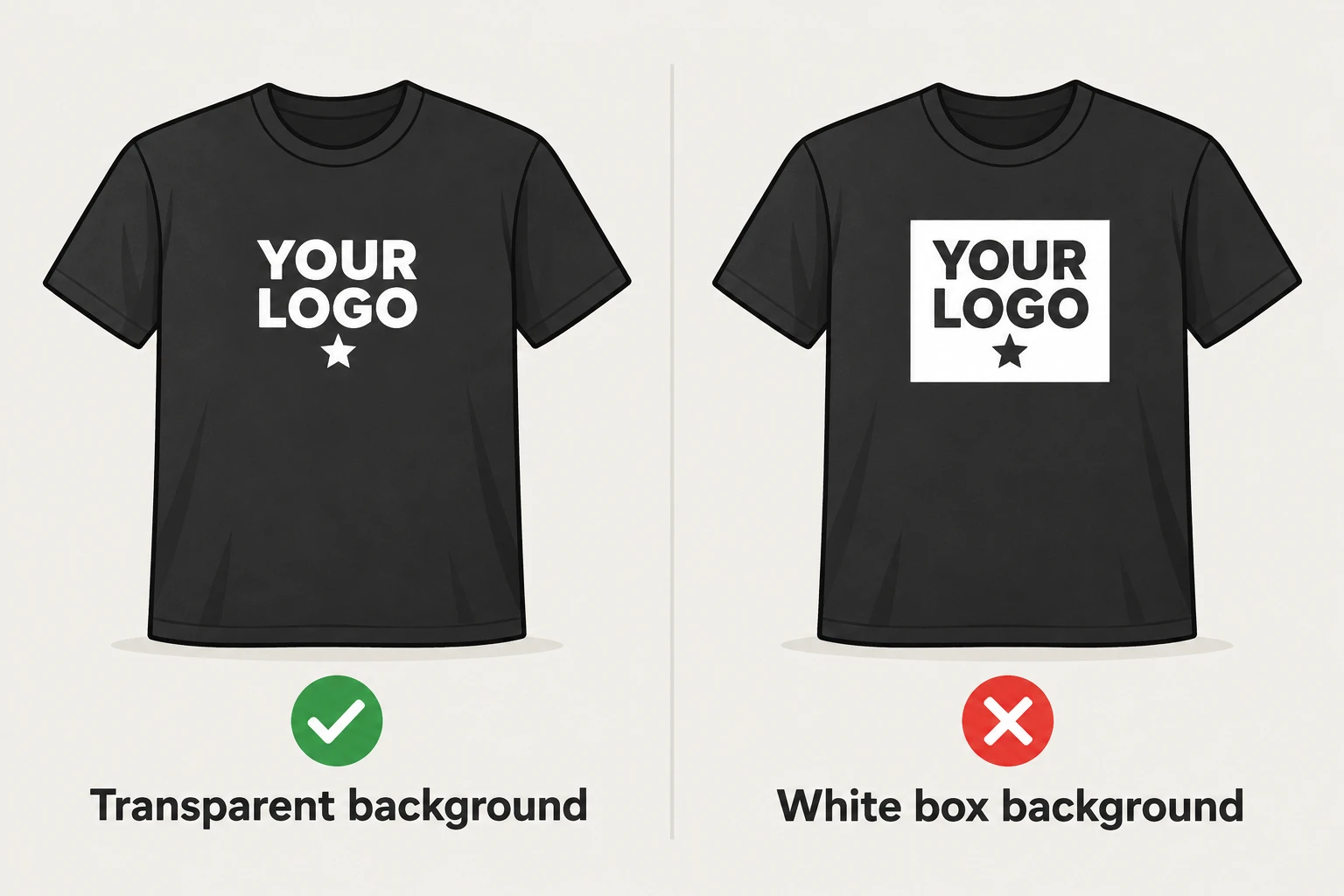
- Upload a PNG with a transparent background (no white box behind your logo). Files with a solid background are turned away so a white rectangle never ends up on your shirt.
- One file per print location, up to 25 MB each.
- Other formats (PDF, AI, EPS, SVG, JPG) can be sent as reference files when you ask for design help.
Resolution: the sharpness check
When you upload, we check how sharp your file will print at the size you choose:
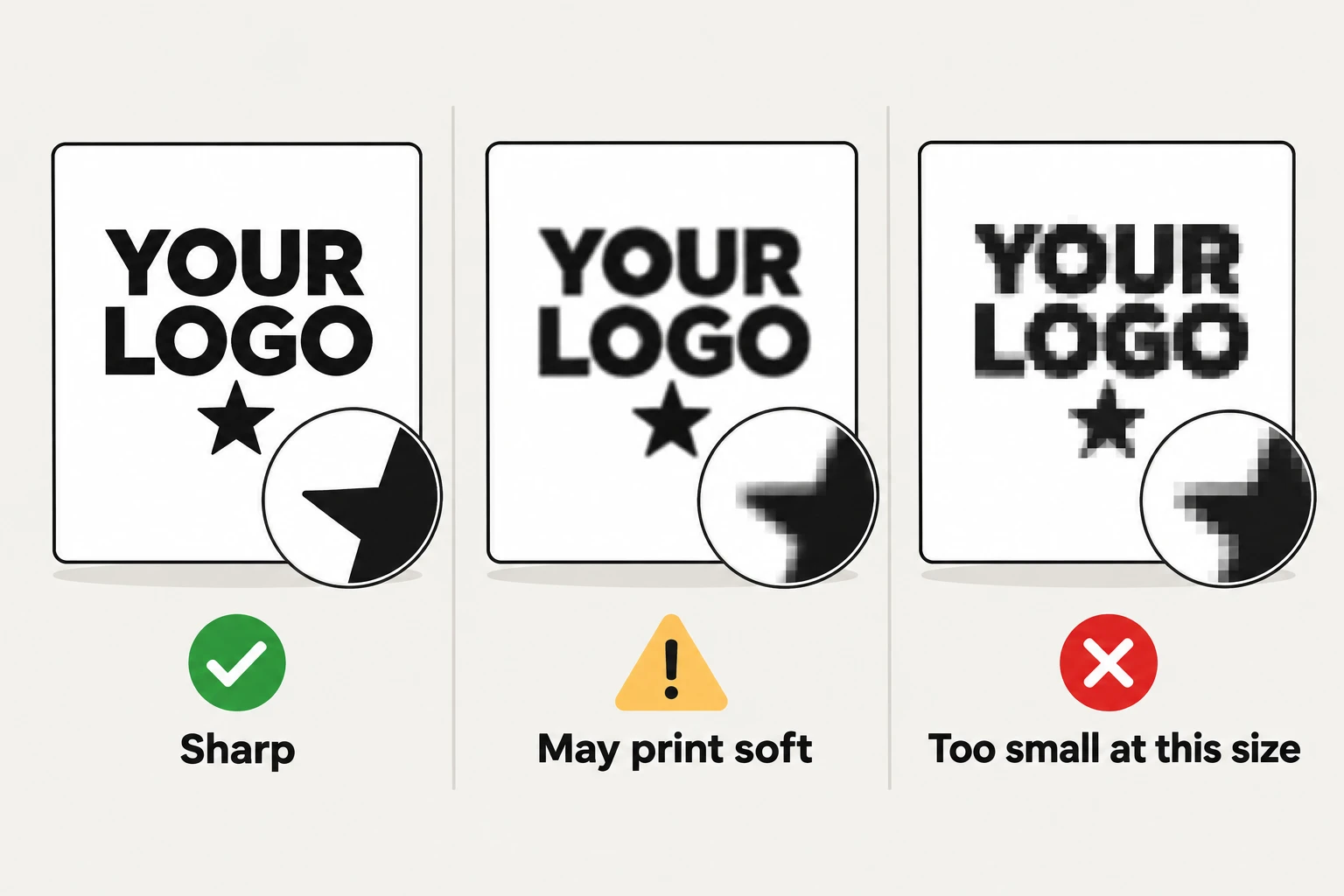
- Sharp — 300 DPI or more at that print width. Ready to print.
- May print soft — 150 to 299 DPI. It will print, but edges may look a little soft; we show you the largest size that stays sharp.
- Too small at this size — under 150 DPI. Make the print smaller or upload a larger file.
Tip: a logo that prints 10″ wide sharply needs to be about 3000 pixels wide.
Placement and size
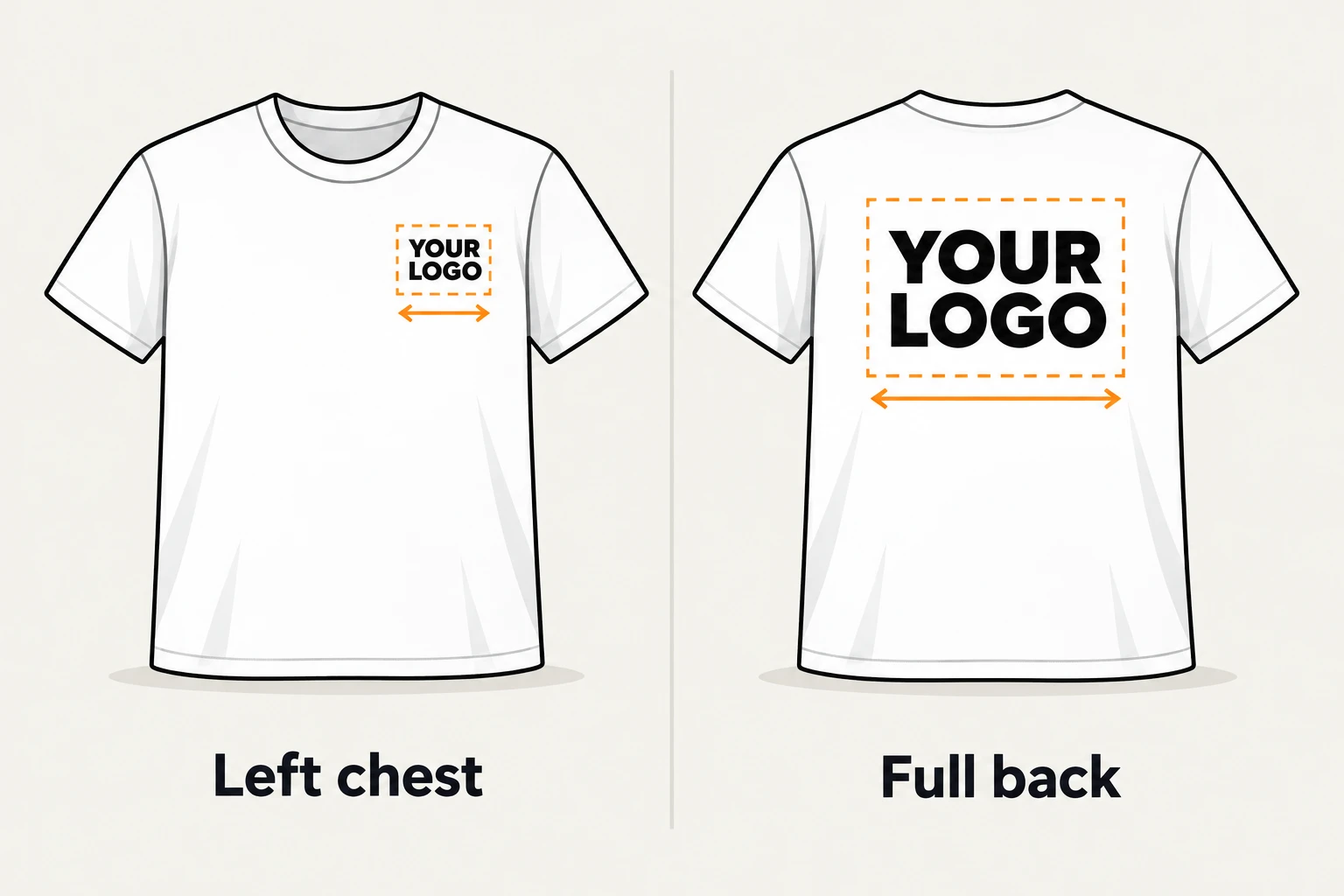
Pick where each design goes and how wide it prints. Every product shows its largest print size for each location, and our team sends a proof with exact placement before anything is printed.
No artwork? We’ll design it.
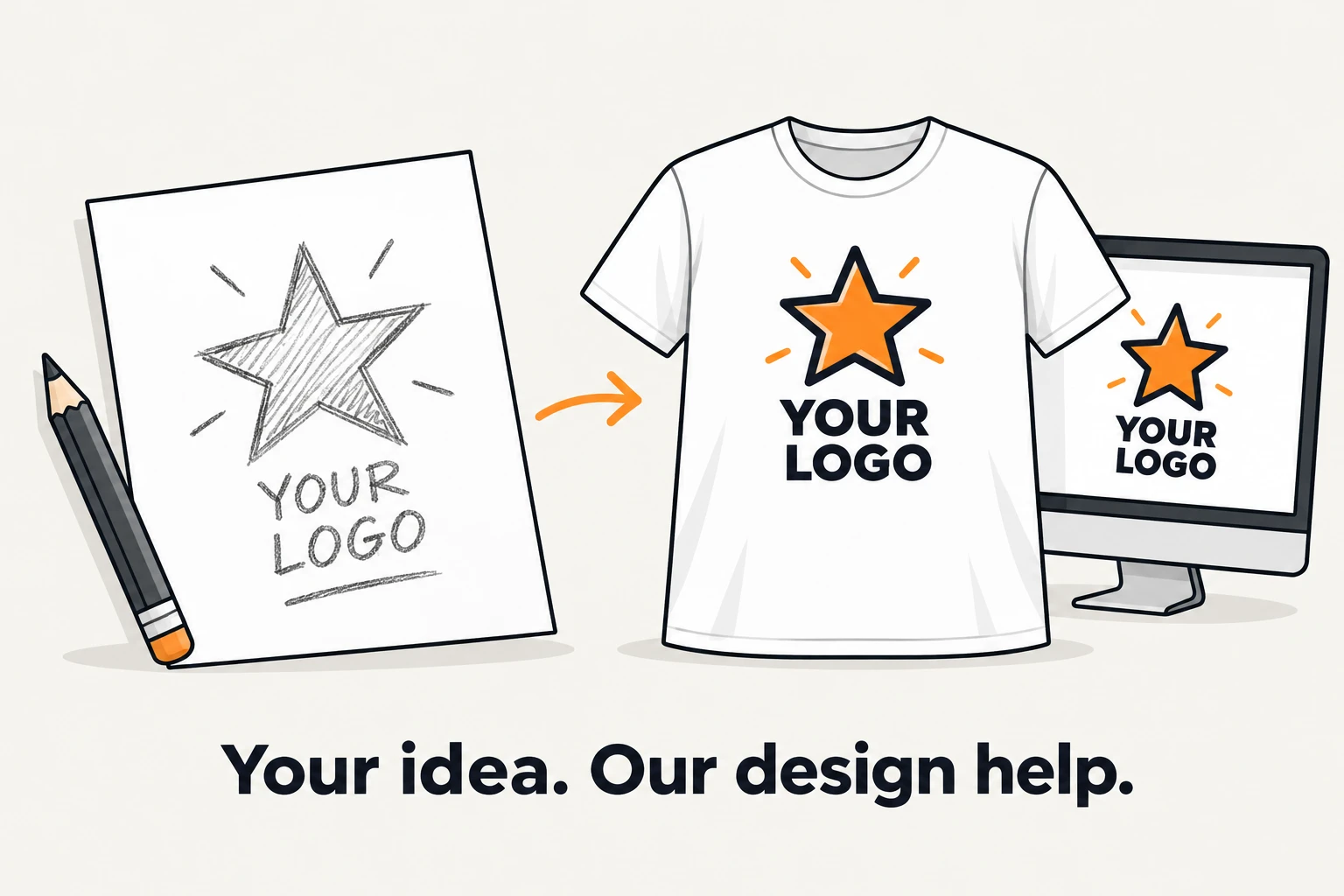
Choose “Help me design my artwork” for any location, describe what you’d like, and add reference files or photos. Design help is a one-time fee per design — not per piece — and using the same design in more places doesn’t add another fee.
Questions?
We’re happy to look at your file before you order: sales@ally-press.com.